
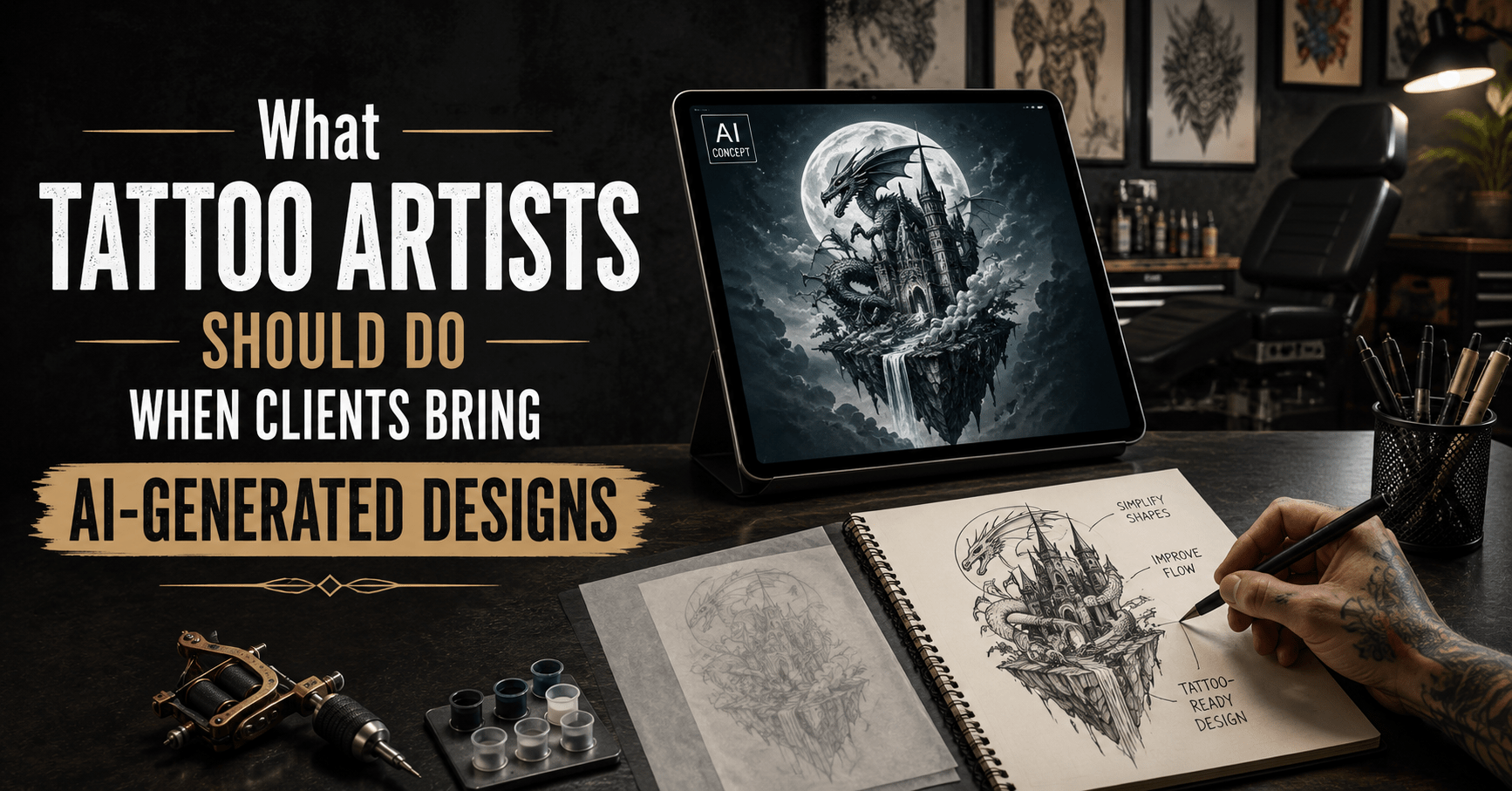
AI References Are Becoming Part of Tattoo Consultations
Clients have always brought reference images to tattoo appointments. In the past, those references may have come from magazines, Pinterest, Instagram, movie stills or another tattoo they saw online.
Now, more clients are also arriving with AI-generated images.
These images can be visually impressive. They may combine realistic portraits, fantasy elements, dramatic lighting, detailed armor, flowers, animals and decorative backgrounds in ways that look polished on a screen.
But a strong digital image is not automatically a strong tattoo design.
AI-generated artwork can be useful as a visual reference, but it should not automatically be treated as finished tattoo-ready artwork.
The tattoo artist still needs to answer the most important questions:
- Will the design work at the requested size?
- Does it suit the body area?
- Are the shapes readable?
- Is there too much detail?
- Does the anatomy make sense?
- Will the client understand what needs to change?
The best approach is not to reject AI references automatically. It is to treat them the same way a professional artist would treat any complicated reference: understand the idea first, then rebuild it for skin.
1. First, Find Out What the Client Actually Likes About the Image
When a client shows an AI-generated design, avoid starting with what is wrong with it.
Start by asking what they like.
The answer may be very different from what the image suggests.
A client may like:
- The subject
- The pose
- The mood
- The color palette
- The lighting
- The overall composition
- One specific object
- The level of darkness
- The balance between realistic and decorative elements
For example, a client may bring a highly detailed AI image of a wolf surrounded by smoke, flowers and metallic ornaments.
They may not actually want every detail.
They may simply like the wolf’s expression and the dark, dramatic atmosphere.
Once that is clear, the artist has much more freedom to create a design that works as a tattoo.
A useful principle is:
Separate the client’s idea from the AI image itself.
The image is a reference point, not necessarily the final destination.
2. Check Whether the Design Is Actually Tattooable
The next step is to evaluate whether the image can translate well to skin.
AI artwork often contains visual details that work on a bright screen but become difficult to reproduce at tattoo scale.
Common problems include:
- Too much micro detail
- Very tight line spacing
- Weak separation between objects
- Inconsistent anatomy
- Unrealistic textures
- Too many focal points
- Background elements competing with the main subject
- Details that become unclear when reduced
Instead of asking whether the image looks impressive, ask whether the major forms still read clearly.
Look at:
- Main silhouette
- Contrast
- Negative space
- Shape separation
- Line density
- Detail size
- Overall composition
If the client wants a small tattoo but the image contains dozens of tiny decorative elements, the design will probably need to be simplified.
The goal is not to reproduce every pixel.
The goal is to preserve the idea in a form that remains clear on skin.
3. Explain Why the Design May Need to Be Redrawn
This is where communication matters.
Some clients may assume that because the image already looks complete, the artist can simply stencil it and tattoo it.
A short explanation can prevent confusion later.
The artist may need to adjust:
- Line spacing
- Object size
- Contrast
- Negative space
- Background elements
- Anatomy
- Detail density
- Orientation
- Shape hierarchy
The client should understand that redrawing is not the same as rejecting their idea.
A clear way to explain it is:
Redrawing the image is not about changing the client’s idea. It is about adapting that idea to skin.
This framing keeps the consultation constructive.
Instead of saying, “This design does not work,” explain what needs to change and why.
For example:
- “This section needs more space.”
- “These details will need to be larger.”
- “We can keep the same mood but simplify the background.”
- “The face needs to be rebuilt so it stays readable at this size.”
Clients are more likely to accept changes when they understand the purpose behind them.
4. Watch for Unrealistic Detail at Small Sizes
One of the most common problems with AI-generated images is excessive detail.
The image may contain:
- Tiny facial features
- Individual hair strands
- Jewelry
- Fine armor textures
- Small flowers
- Fur patterns
- Decorative symbols
- Complex fabric folds
- Multiple light sources
On a large digital image, these details can look impressive.
Once reduced to tattoo size, many of them may lose separation.
This is especially important when the client wants a relatively small tattoo with a highly detailed reference.
There are usually three practical options:
- Increase the tattoo size.
- Simplify the artwork.
- Remove secondary details.
Often, the best solution is a combination of all three.
The artist should identify which details actually support the main idea and which ones can be removed without changing the concept.
The client usually cares more about the overall result than about preserving every small AI-generated feature
5. Check Anatomy and Object Logic
AI-generated images can look convincing at first glance while containing structural problems.
Common examples include:
- Extra fingers
- Strange hand positions
- Merged limbs
- Inconsistent facial features
- Broken jewelry
- Weapons that do not connect correctly
- Clothing folds that make no sense
- Objects blending into each other
- Background elements merging with the subject
These errors should not be transferred directly into the tattoo.
Before working on shading or texture, rebuild the major forms.
Check:
- Anatomy
- Perspective
- Object connections
- Direction of movement
- Light and shadow logic
- Overlapping shapes
If something is visually confusing in the reference, it will usually become more confusing once it is tattooed.
A useful rule is:
If the structure is wrong, clean shading will not fix it.
Correct the structure first. Add detail afterward.
6. Make Sure the Design Fits the Body Area
AI-generated images are usually created as flat rectangular compositions.
The human body is not flat.
A design may look excellent on a screen but become awkward when placed on:
- A curved forearm
- Upper arm
- Shoulder
- Rib area
- Calf
- Chest
- Back
Body shape affects how the composition should be arranged.
A design may need to be:
- Rotated
- Cropped
- Stretched
- Simplified
- Rebalanced
- Wrapped
- Repositioned
For example, a tall vertical composition may work naturally on a calf but need significant changes for a shoulder.
A wide composition may look balanced on a back but feel compressed on a forearm.
The goal should not be to preserve the exact original rectangle.
The goal is to make the design work on the body.
7. Manage the “Exactly Like This” Expectation
Some clients will say:
“I want exactly this.”
That is where the artist needs to set expectations early.
The reference can still guide:
- Subject matter
- Mood
- Color direction
- Composition
- Overall style
But some details may need to change because of:
- Size
- Placement
- Skin
- Anatomy
- Line spacing
- Long-term readability
A useful approach is to explain that the final tattoo will keep the main idea while being rebuilt for the chosen body area.
The key message is:
Keep the client’s concept, not every AI-generated pixel.
This helps the artist maintain professional control without making the client feel that their reference is being dismissed.
8. Be Careful With Style Imitation
Another issue is style imitation.
AI-generated images may strongly resemble the work of a specific tattoo artist, illustrator or digital artist.
If a client likes that reference, the artist can identify what they respond to:
- Heavy black areas
- Fine linework
- Dark realism
- Ornamental framing
- Bold color
- Surreal composition
- High contrast
Those qualities can then guide an original interpretation.
The goal should not be to copy another artist’s exact composition or recognizable visual language.
A better approach is to use the reference for direction and create something that fits the client, body placement and artist’s own approach.
This also gives the final tattoo more individuality.
9. Decide When AI Is Actually Useful
AI-generated references are not automatically a problem.
They can be useful during early concept development.
For example, they may help clients communicate:
- Mood
- Pose
- Color direction
- Subject combinations
- Composition ideas
- Fantasy concepts
- Lighting references
For some clients, describing an idea in words is difficult.
An AI-generated image can help them show what they mean.
The important distinction is between using AI as:
a concept and communication tool
and using it as:
finished tattoo-ready artwork
That difference keeps the process practical.
The image can help start the conversation, but the tattoo artist still needs to make the final design work on skin.
10. Build a Simple Workflow for AI References
A clear process makes these consultations much easier.
AI Reference Workflow
1. Ask what the client likes about the image.
Identify the subject, mood, style and details that matter most.
2. Confirm size and placement.
A design cannot be evaluated properly without knowing where it will go and how large it will be.
3. Identify tattooability problems.
Look for excessive detail, weak contrast, anatomy issues and confusing shapes.
4. Simplify or rebuild the design.
Keep the important idea while improving clarity and structure.
5. Adapt it to the body.
Adjust the composition to follow the chosen placement.
6. Show the revised direction.
Make sure the client understands what has changed.
7. Confirm expectations before tattooing.
The client should know that the final design is an interpretation of the reference, not a pixel-for-pixel copy.
This simple process keeps both the artist and client focused on the final tattoo rather than the source image.
11. Know When to Say No
Not every AI-generated reference can or should be turned into a tattoo.
There are times when the better professional decision is to recommend major changes or decline the design.
Examples include:
- The requested size is too small for the detail
- Important features cannot remain readable
- Anatomy is too broken
- The composition does not fit the placement
- The client refuses necessary changes
- The design copies another artist too closely
- The concept cannot be translated clearly
Saying no does not need to be confrontational.
Explain the specific issue and, when possible, suggest an alternative direction.
For example:
- Increase the size
- Choose a different placement
- Remove background elements
- Rebuild the main subject
- Create a new composition using the same concept
A professional refusal protects the artist’s work and the client’s expectations.
12. Common Mistakes Tattoo Artists Should Avoid
The artist’s response to an AI reference matters just as much as the reference itself.
Avoid:
- Criticizing the client for using AI
- Saying “AI is bad” without explaining the actual design problem
- Agreeing to copy every detail
- Skipping the redraw stage
- Ignoring body placement
- Promising unrealistic levels of detail
- Failing to explain what will change
The best response is calm and practical.
Focus on the tattoo result rather than debating how the reference was created.
Conclusion
AI-generated designs are becoming another type of reference image that tattoo artists need to know how to interpret.
The most important question is not whether the image was made by AI.
The question is whether the design can be turned into a clear, readable and well-placed tattoo.
A strong process still depends on the same fundamentals:
- Good communication
- Clear composition
- Appropriate detail
- Correct placement
- Strong professional judgment
AI can help generate ideas, but the tattoo artist still has to make the design work on skin.